

Before exploring Outlook integration to send emails, read the overview of sending emails from your domain. NeetoCRM supports sending emails at the workspace level under Admin Panel which means if you connect an Outlook account, the same account will be used for all emails the workspace sends to leads, deals and contacts.
Go to Admin Panel.
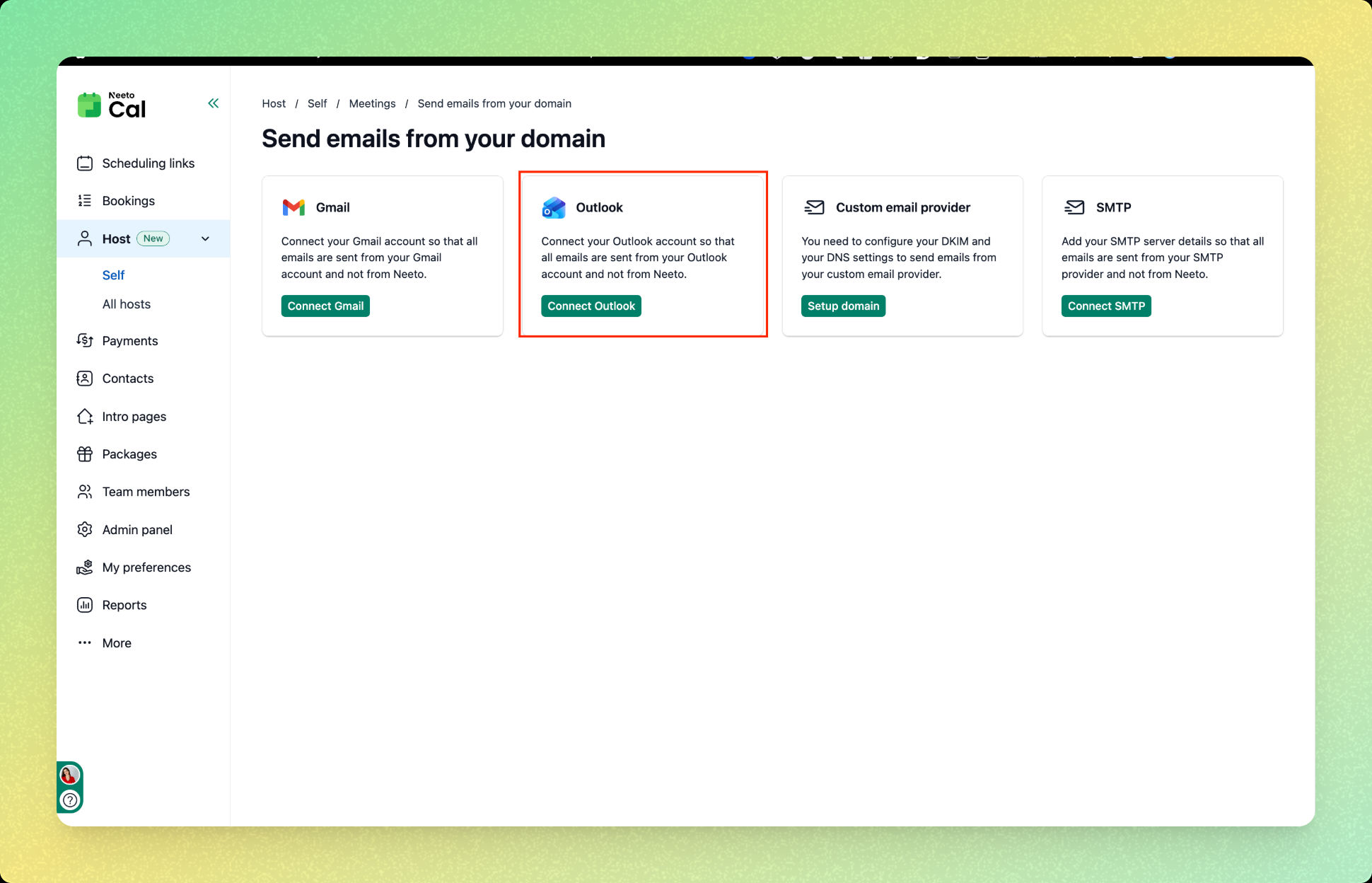
Click on Send email from your domain.
Click on Outlook.
Click on Connect Outlook.
Choose an account for Outlook integration.
Click on Continue.
Once connected, you will see the message "You are connected to Outlook" and all future emails will be sent from your connected Outlook account.